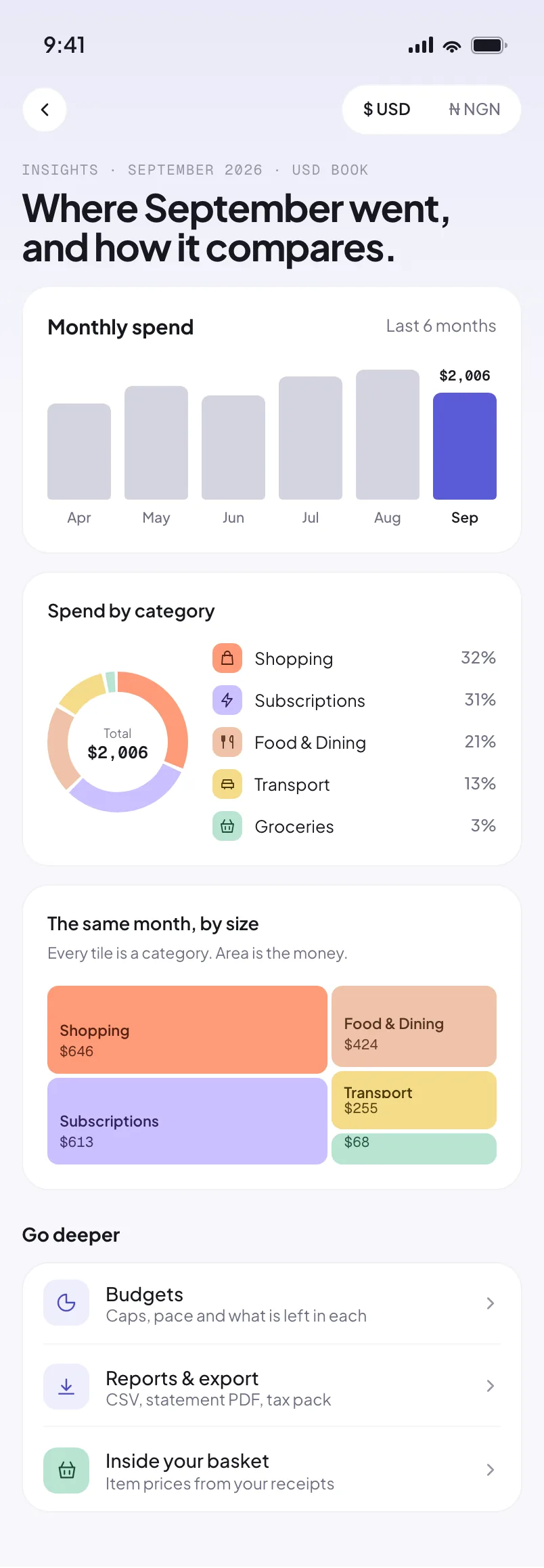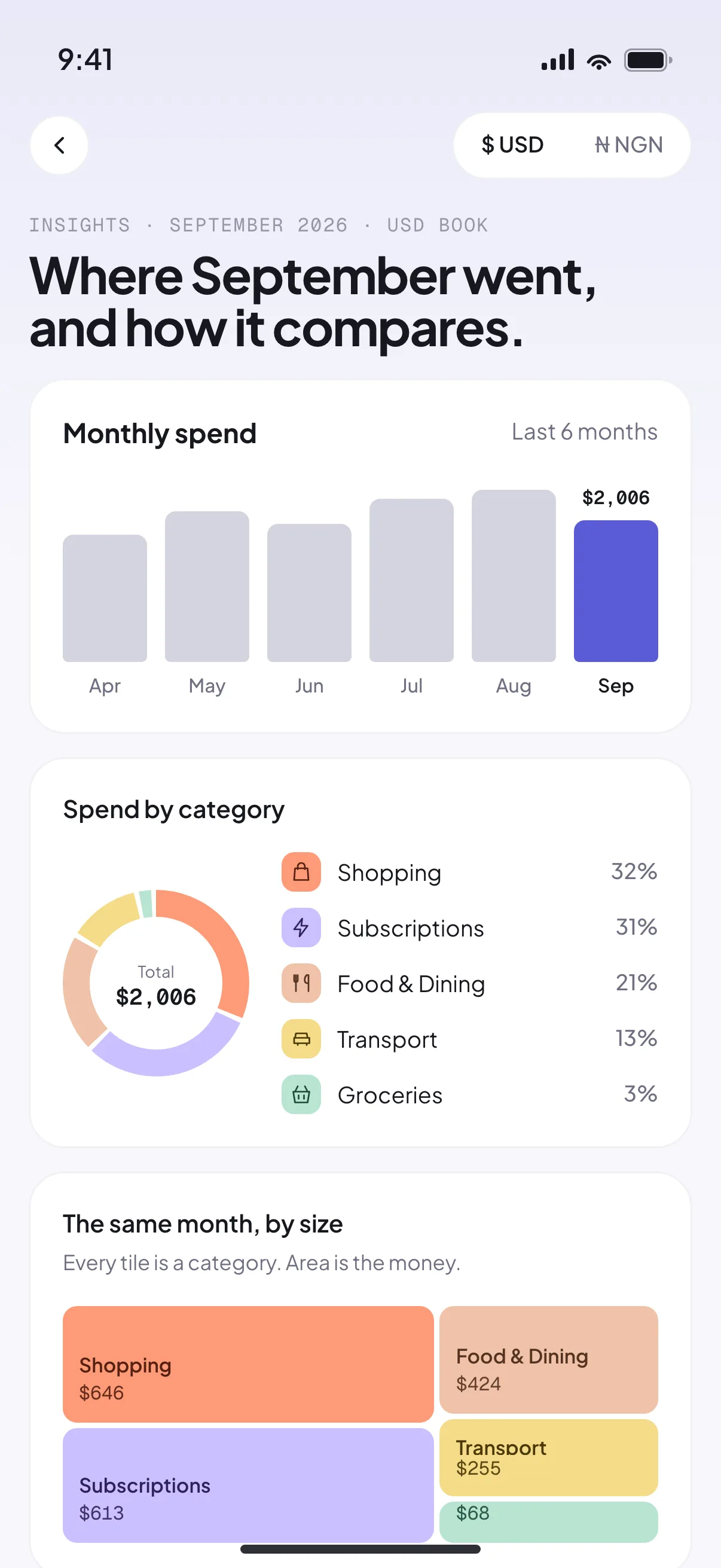
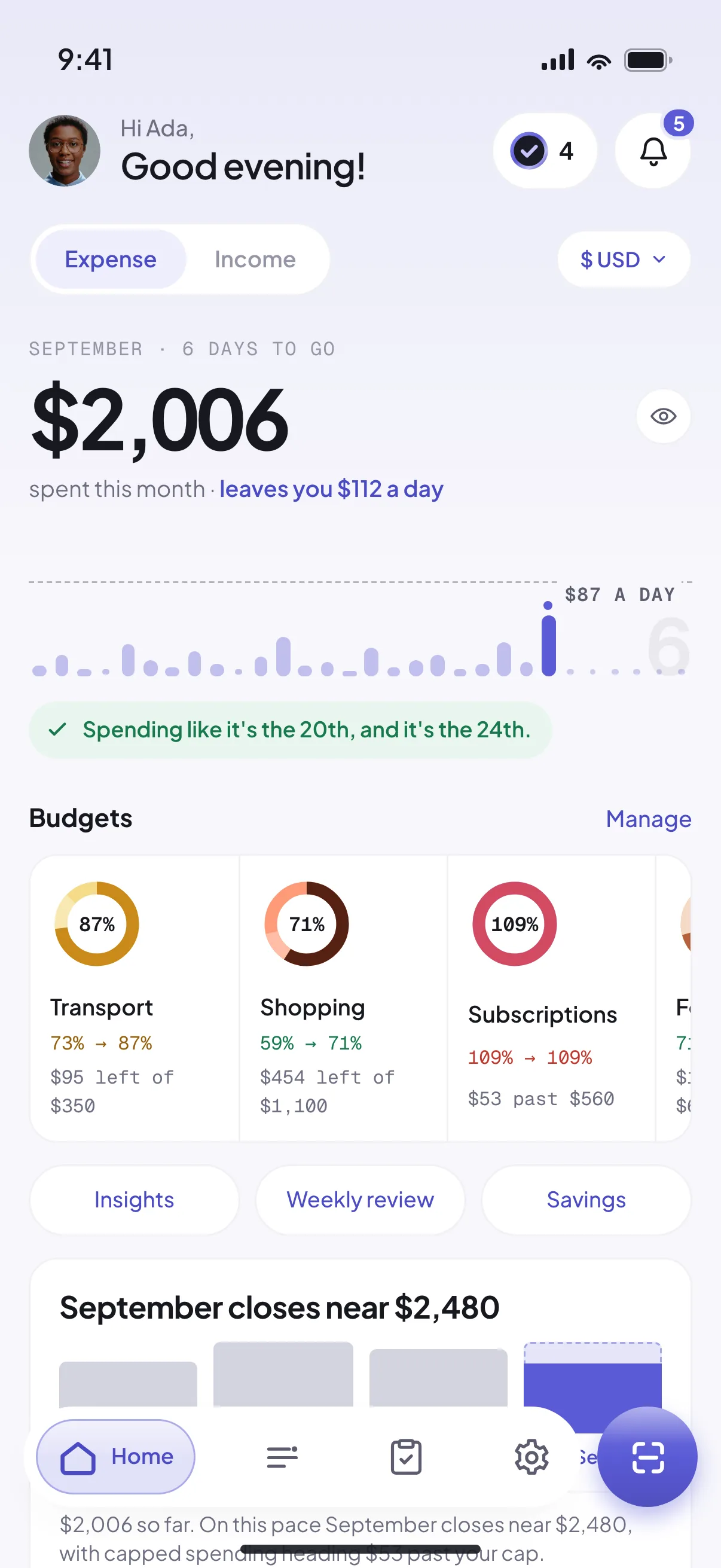
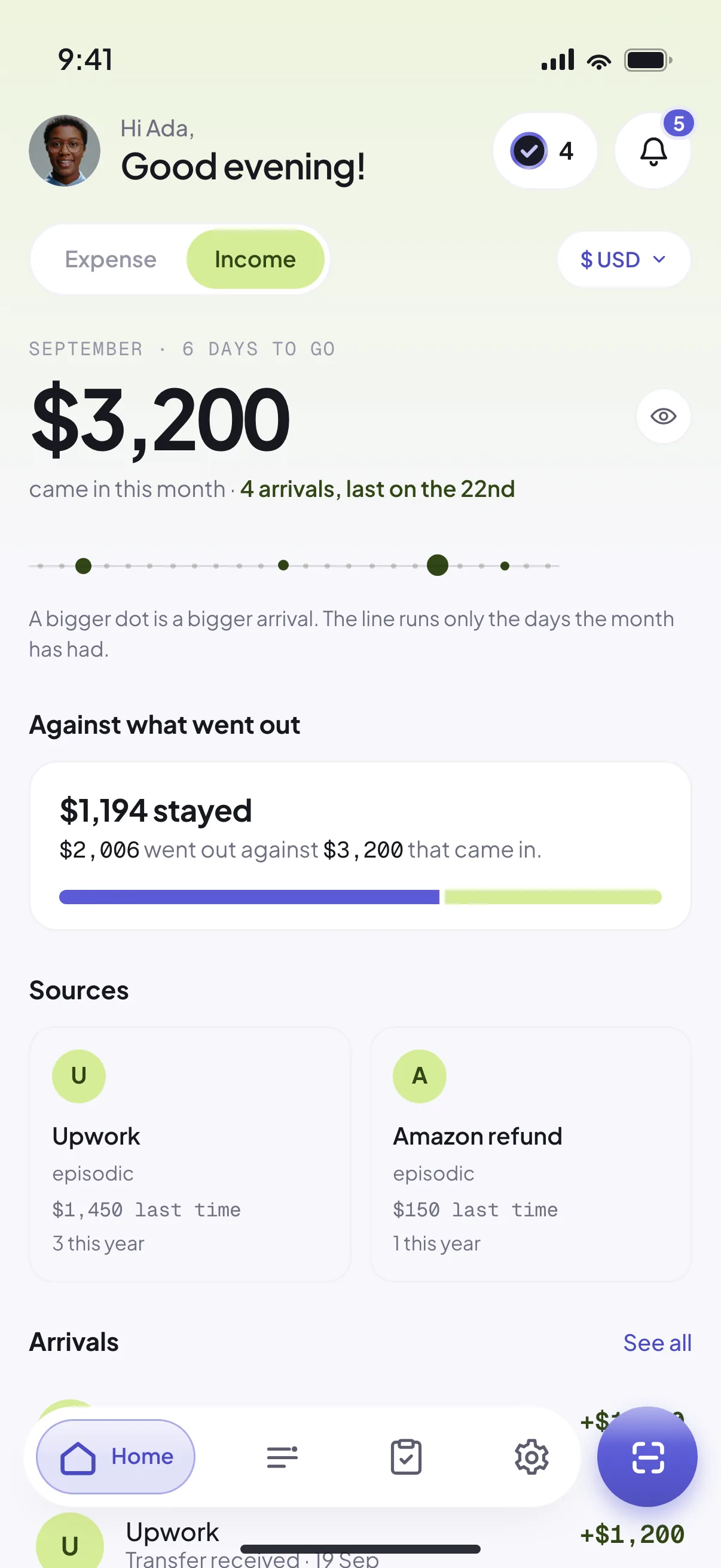
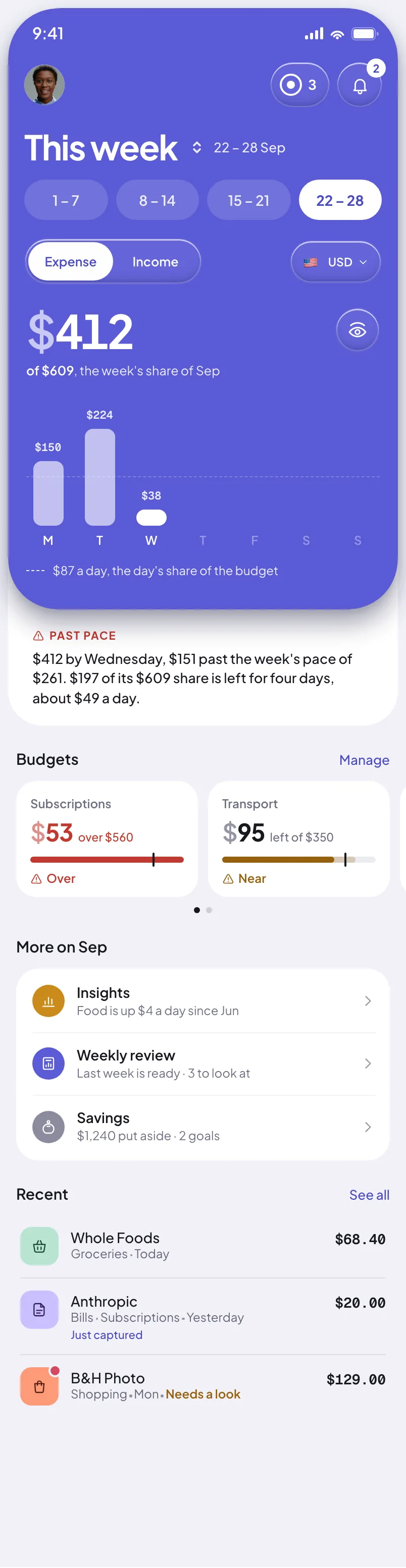


Seeing where your money went is step one. Riffl turns it into a habit: set a goal, stash what you didn't spend, and cut the subscriptions quietly draining you.
Plus costs ₦2,400 a month. The average plan frees up ₦8,000+, it pays for itself over three times over.
Name a target, watch the ring fill, and know if you're on pace, or how far short.
Under budget this month? Riffl nudges you to set it aside before it slips away.
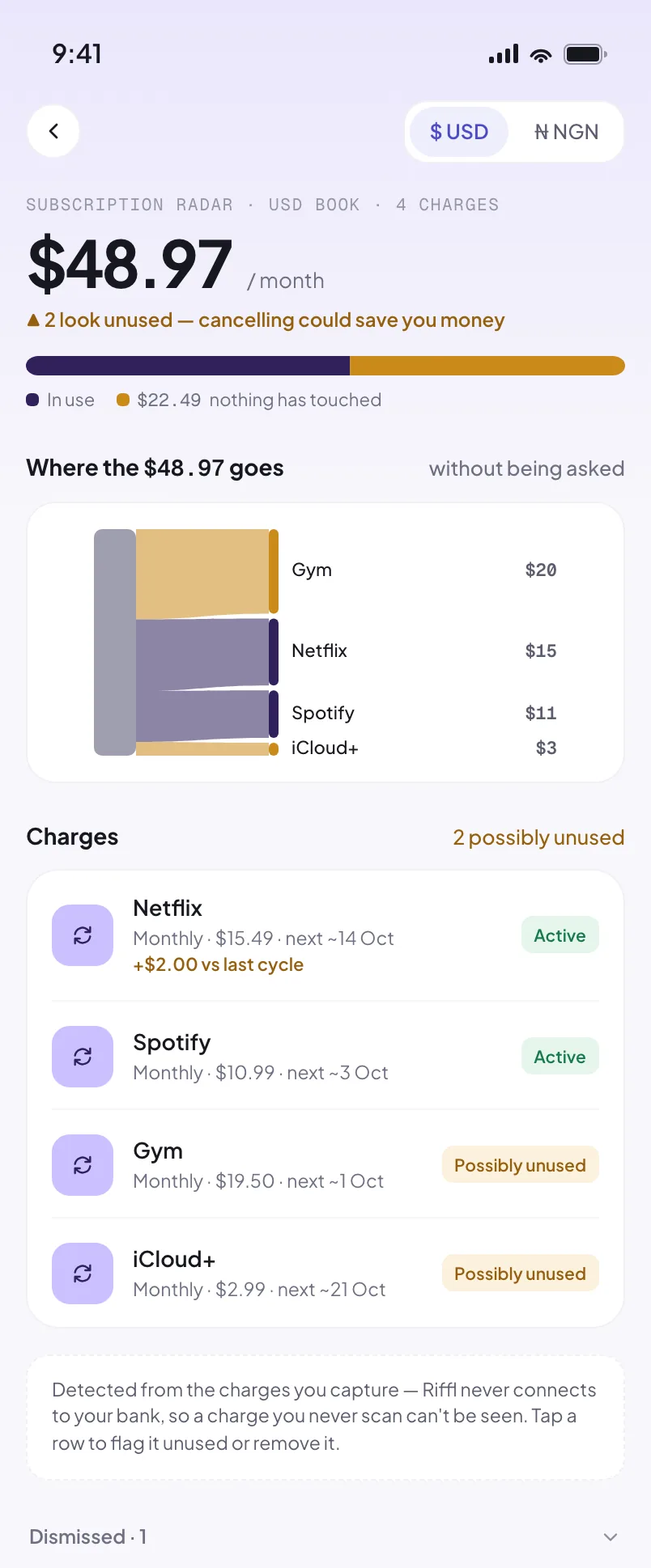
Riffl learns the rhythm of your money (same merchant, same amount, every month) and flags the ones you've stopped using. It tells you when one quietly went up, too.
The hero showed you a tidy receipt. Real life isn’t tidy. Tap a case:
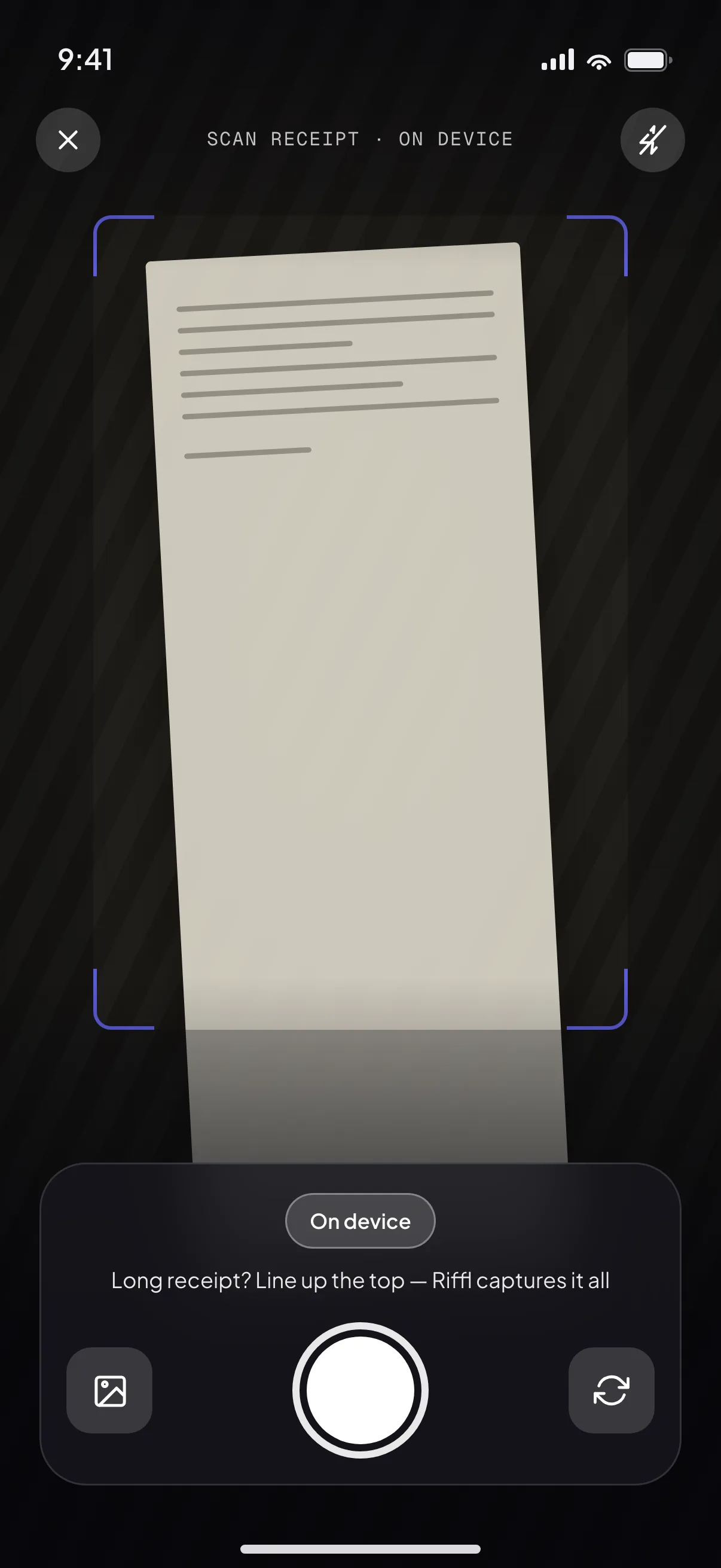
Half a metre of JustRite paper. 58 items, read in one pass.
A real Jendol receipt. Crumpled, faded, torn at the top. One field flagged, honestly.
Snapped in a dim buka. Tricky shots ask before using AI. Your call.
A Moniepoint alert behind spiderwebbed glass. Low confidence says so.
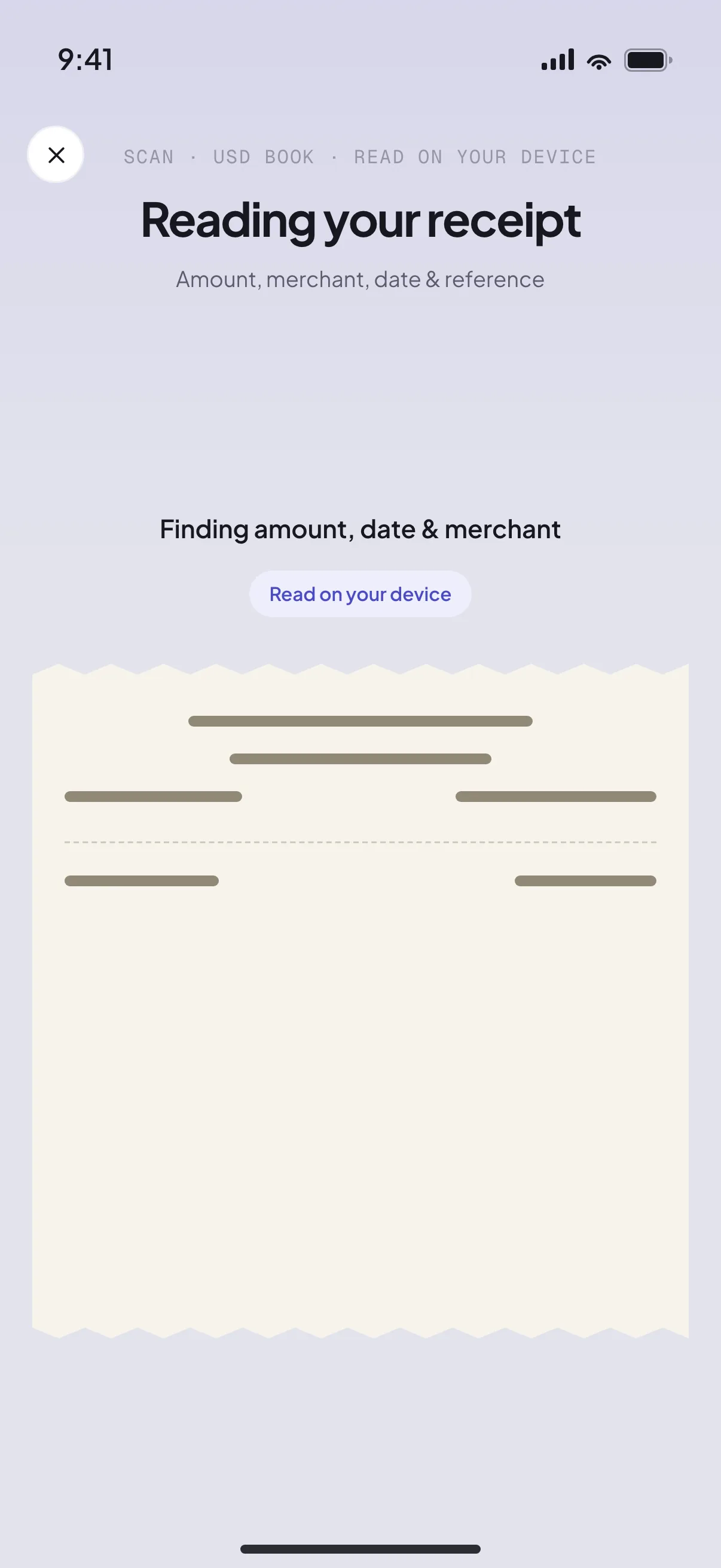
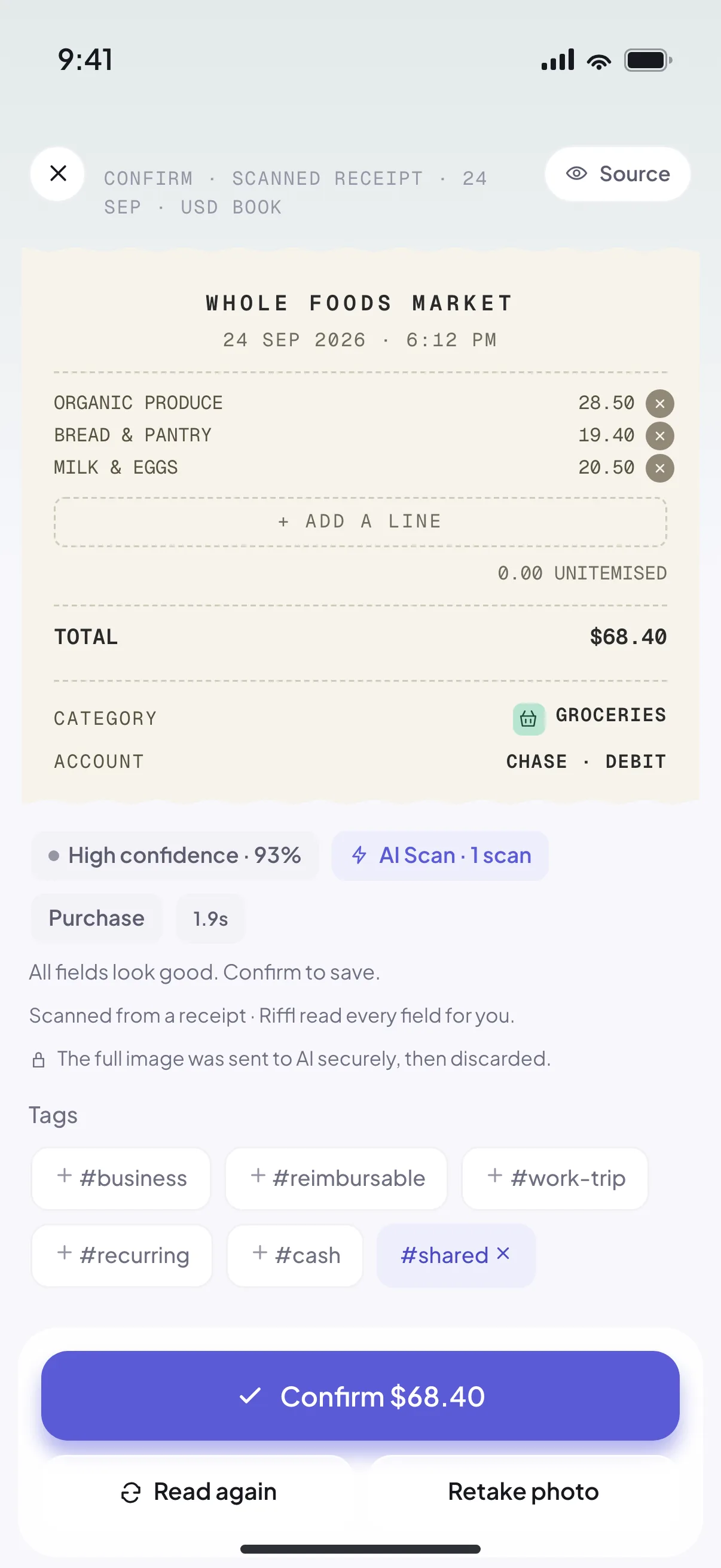
A receipt priced in dollars. Riffl reads the currency as well as the amount, and files it to your dollar book.
A store receipt carries its own item list, and Riffl reads it. A transfer alert doesn't, so you can type the lines yourself, in seconds, and they count exactly the same.
Turn on auto-capture and you stop logging transfers altogether: the alerts your bank already sends arrive as drafts, seconds later, with nothing for you to do. That part never leaves the phone. The alert is read here, drafted here, and waits for you to confirm it. In Nigeria most spending lives inside bank and fintech apps rather than open-banking APIs, so this is the spending no other tracker can see. Prefer to point at it yourself? Snap the screenshot and Riffl reads recipient, amount, reference and balance. A dollar-card alert reads the same way; the currency is one more field on the screen, and it decides which book the charge lands in.
That ₦40,000 you sent on Saturday was rice, transport and the plumber. Add three lines on the confirm screen and it stops being one opaque number: it feeds your basket, your staples, your own inflation, like any receipt.
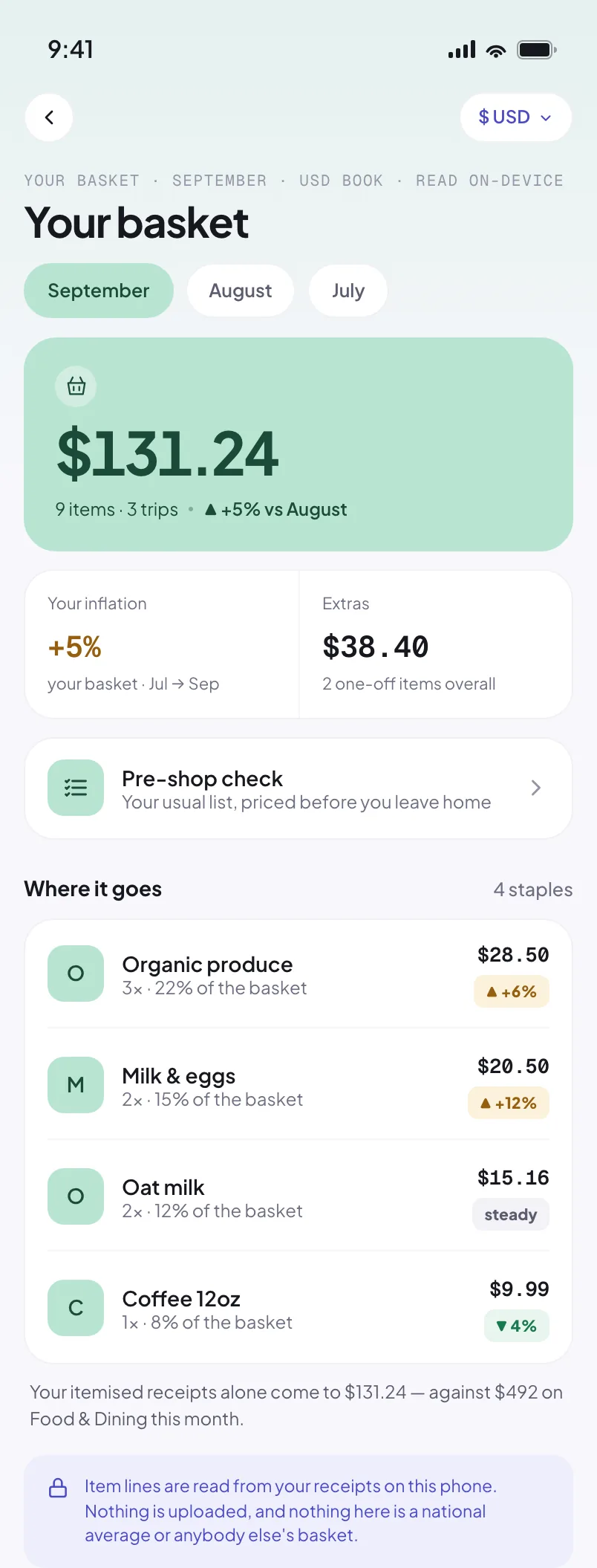
National inflation is an average of a basket you don't shop from. Riffl builds yours, from the item lines on your receipts, and the ones you type on a transfer.
It learns what you buy repeatedly and what you buy once, so a bag of rice and a birthday cake aren't weighed the same. Then it shows you your own number: which items moved, by how much, and when.
We need to see you buy a few things across a couple of months before we can show how your prices are moving. Keep scanning.
The things you buy every trip carry your inflation. The one-offs don't.
₦1,200 for 900g last month, ₦1,450 now, the same detergent, up 21%, in your own basket.
Type the lines on a transfer and they count the same as a scanned one.
Your transactions live on your device, encrypted. AI reads each capture you take: one image goes to be read, comes back as figures, and is gone. It is never stored and never trained on. Everything after that, your ledger, your budgets, your basket, is worked out on your phone. So here's Riffl's own ledger, kept the same way we keep yours →
Settings → About → Verify this device checks the code that's loaded and the database underneath it, and tells you plainly which features are live on this handset. No guessing whether an update actually arrived.
Riffl Sync keeps a second device up to date without ever holding a key that could read your data. Your passphrase never leaves your phone. PLUS
Half your transfers aren't spending: they're a loan to a friend, your Ajo contribution, or what you send home. Riffl asks what a transfer was for, then keeps each kind in the shape it actually has.
Lend Emeka ₦40,000 and Riffl remembers. When he pays back, the repayment is matched to the loan automatically, no double count, never against your budget.
Every week I'd collect receipts from convenience stores and fast-food spots, and bin them without logging a single one. My bank transfers, money in and money out, went untracked unless I asked for a statement. And even then, it never captured what I actually needed to manage my spending.
I wanted something simpler: snap the receipt or the bank alert, and actually see my weekly and monthly spend, clearly enough to budget and rein it in.
So I built Riffl. Personal-first, for exactly that.
Capture is unlimited and free. Your plan unlocks the audits, budgets, sync and reports, plus a generous monthly AI-scan allowance.
Yes, and it stays free. Unlimited capture, manual entry, your monthly audit and money owed cost nothing, not just during early access, for good. Plus (₦2,400/month) opens the weekly and annual reviews, the basket and sync. No ads, and your data is never sold.
Riffl needs a bit of your spending before it can find anything in it, so you do not have to wait for that to build up: import a bank statement and months of history land at once, counted in your audits from day one; money in files itself under Income, and Riffl asks about the spending it cannot file on its own. After that, auto-capture keeps it current. Your first weekly review can happen the same week you install.
Any bank or fintech alert you can screenshot (OPay, Kuda, Moniepoint, PalmPay and more) plus printed receipts from JustRite, Jendol, Shoprite and the like. No bank logins or API access required.
Yes. 19 of them, naira included. A dollar-card charge, a pound receipt and a naira transfer each land in their own book, and every total tells you which book it answered for. Riffl never adds them together behind an exchange rate it would have to guess at: two real numbers beat one invented one.
Yes. Capture, editing, filtering and your weekly, monthly and yearly audits all run on your device. Reading a new capture is the one step that needs a connection, because that is the step AI does. Offline, Riffl falls back to reading on the phone, and typing an expense by hand always works.
AI reading is how Riffl reads. When you snap a receipt or a bank alert, that one image goes to our proxy, is read into figures, and is discarded. It is never stored and never used for training. What comes back lands on your phone, and you confirm it before anything is saved. Riffl reads nothing you have not pointed it at, and if you would rather send nothing at all, entering an expense by hand sends nothing.
Your data is encrypted on-device. Turn on optional encrypted backup, to your own cloud file or a hosted service, and you can restore everything on a new phone.
Yes. Riffl is built for everyday Androids, not flagships. Tecno, Infinix and itel included. The reading happens off the phone, so a modest camera and an older processor are no barrier: if your phone can take the photo, Riffl can read it.
No. Riffl never asks for your bank login, BVN, card or account number. There is nothing to hand over. It only reads the receipts and alert screenshots you choose to snap. That's the whole point.
Yes. The records contractors and small businesses now need are the ones Riffl already keeps: every expense captured, categorized and dated. Export any range as a PDF statement or a CSV for your accountant. Riffl isn't a tax adviser; it just makes sure your records are ready when filing is.
Yes, and properly. Create the circle, record each contribution as it goes out, and Riffl tracks whose turn it is and when your payout is due. Because Ajo money comes back to you, it never counts against your budgets.
Yes. Add the people you support, record each transfer, and Riffl keeps a running total for the year, split between your own household and extended family, and broken down by upkeep, school fees, rent or medical. If you remove someone by mistake, you have 30 days to bring them back with their history intact.
No. Store receipts are read automatically. For a bank transfer, which has no item list, you can type the lines yourself on the confirm screen. Either way they feed the same basket, the same staples, and your own inflation figure.