
Bank alert screenshots too.
Take a screenshot of a transfer or card alert from your bank or fintech app and Riffl reads it the same way. On Android, it can pick up alerts from supported bank apps as they arrive.

Receipt scanner
Amount, merchant, date and category, with the line items
read off the receipt. Confirm in two taps.
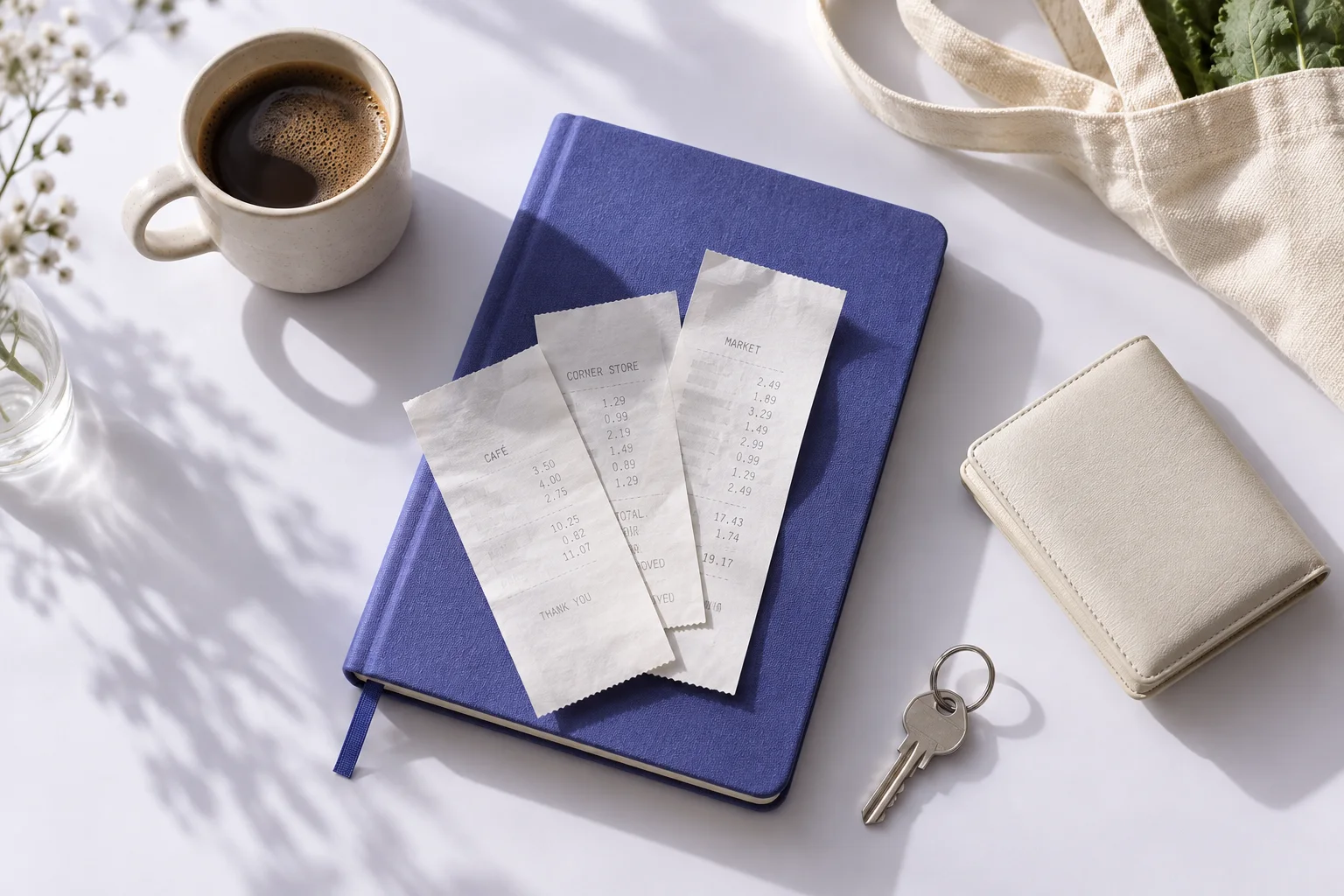
From paper to an entry
Receipts pile up in bags and bins, and the spend they record is gone from memory by the weekend. Riffl turns each one into an entry in about two seconds of your time.
Photograph the receipt and Riffl reads it: the total, the merchant, the date, a category, and the items on it, not just the total. You check the details before anything is saved.
If a spend left any proof behind, Riffl can log it.
Take a screenshot of a transfer or card alert from your bank or fintech app and Riffl reads it the same way. On Android, it can pick up alerts from supported bank apps as they arrive.
A duplicate check catches the same payment arriving as both a receipt and an alert, so one spend is logged once.
Every read lands on a confirm screen first. Fix anything that’s off, pick the category, and save.
No receipt? Add it by hand.
What Riffl does with it
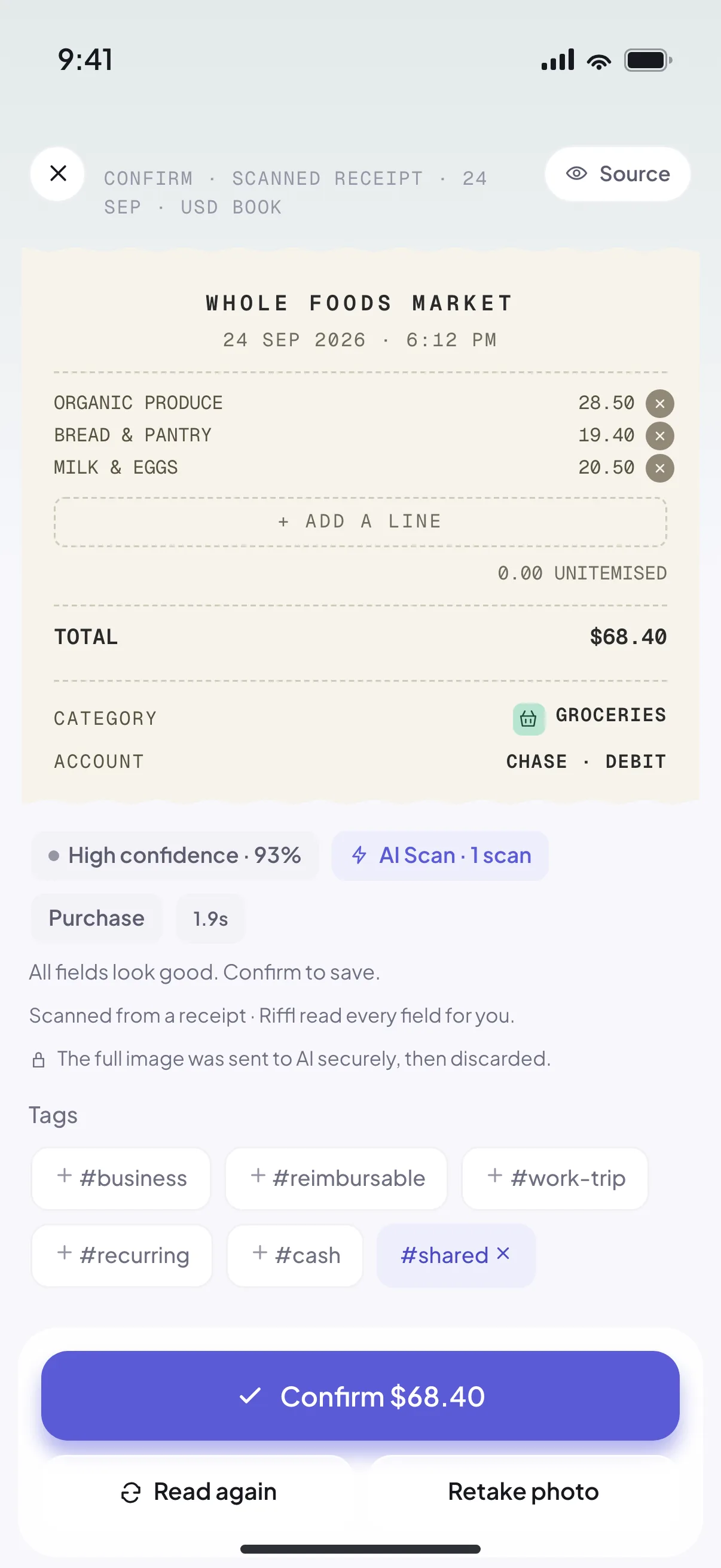

To read a receipt, the image is sent to an AI model, the details come back, and the image is discarded. It isn’t stored and it isn’t used to train anything.
On-device reading and manual entry are available, too. Your records live on your phone by default.
Our privacy approach